 DB Labs
Swype Photo Cleaner — The Best Way to Clean Your iPhone Camera Roll
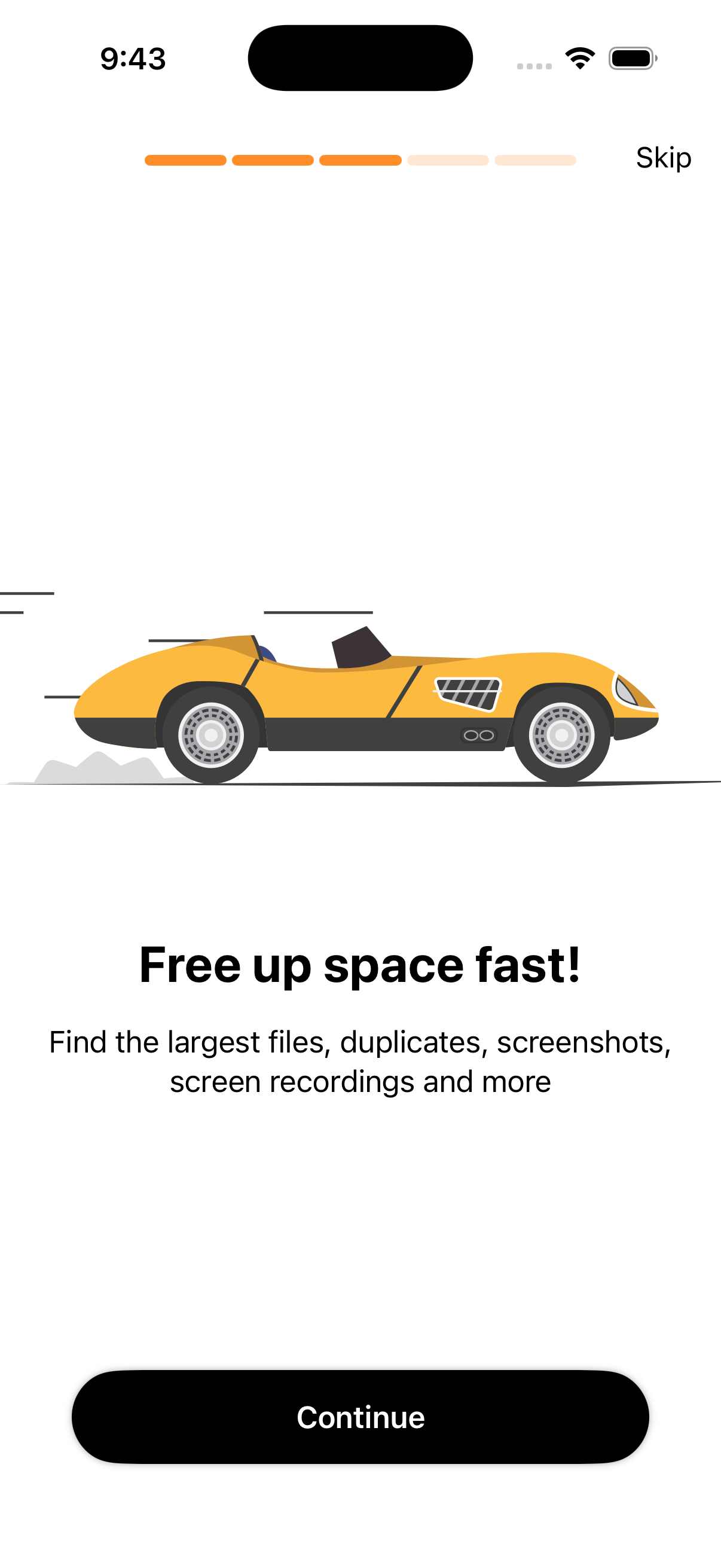
Finally, a photo cleaner that's actually fast and fun to use. Swipe left to delete, right to keep. Clear duplicates, screenshots, blurry shots, and burst photos in minutes — not hours.
Free to download · iOS 16+ · No account needed · 100% private
Every Feature You Need to Clean Your iPhone Camera Roll
Swype Photo Cleaner is laser-focused on one thing: helping you clean your camera roll as fast as possible, with total privacy.
Swipe-to-Delete Interface
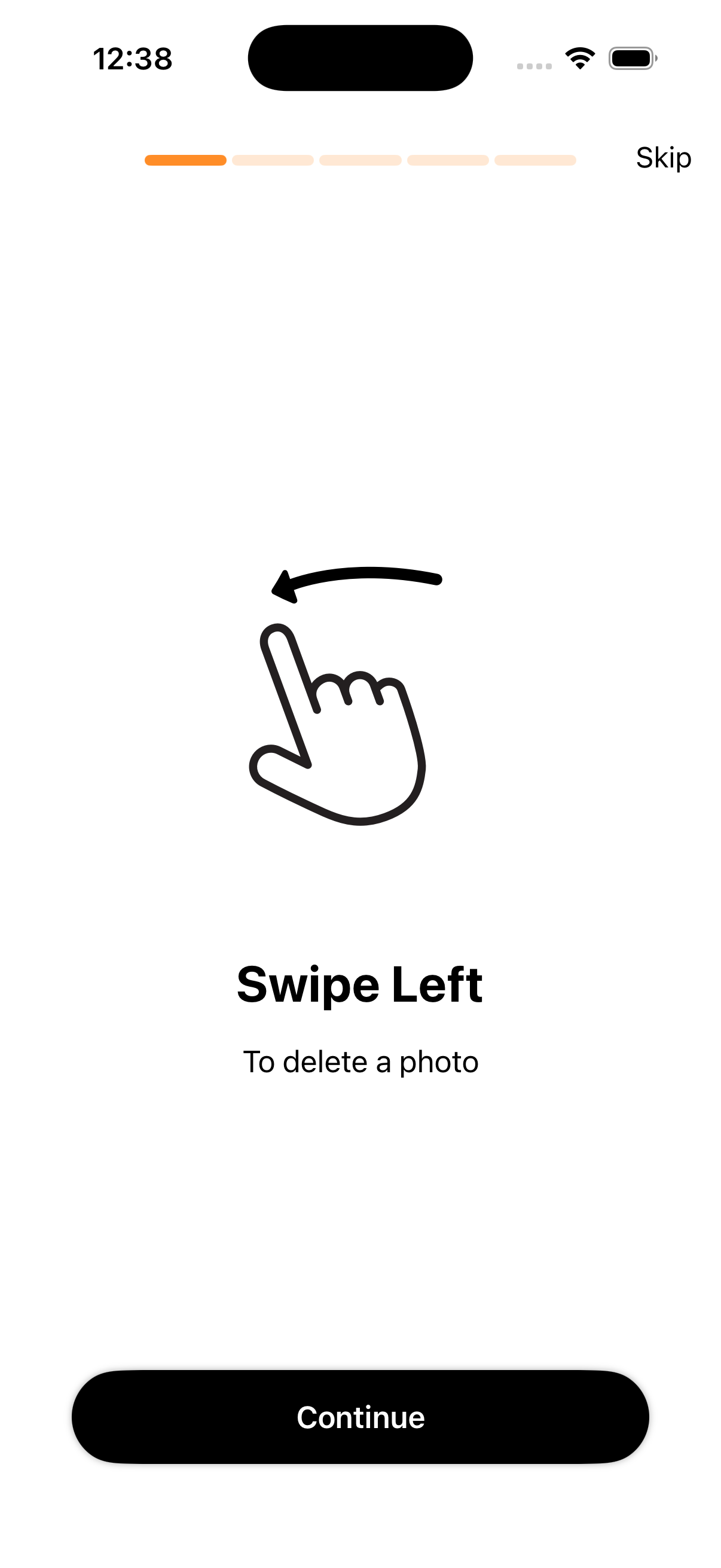
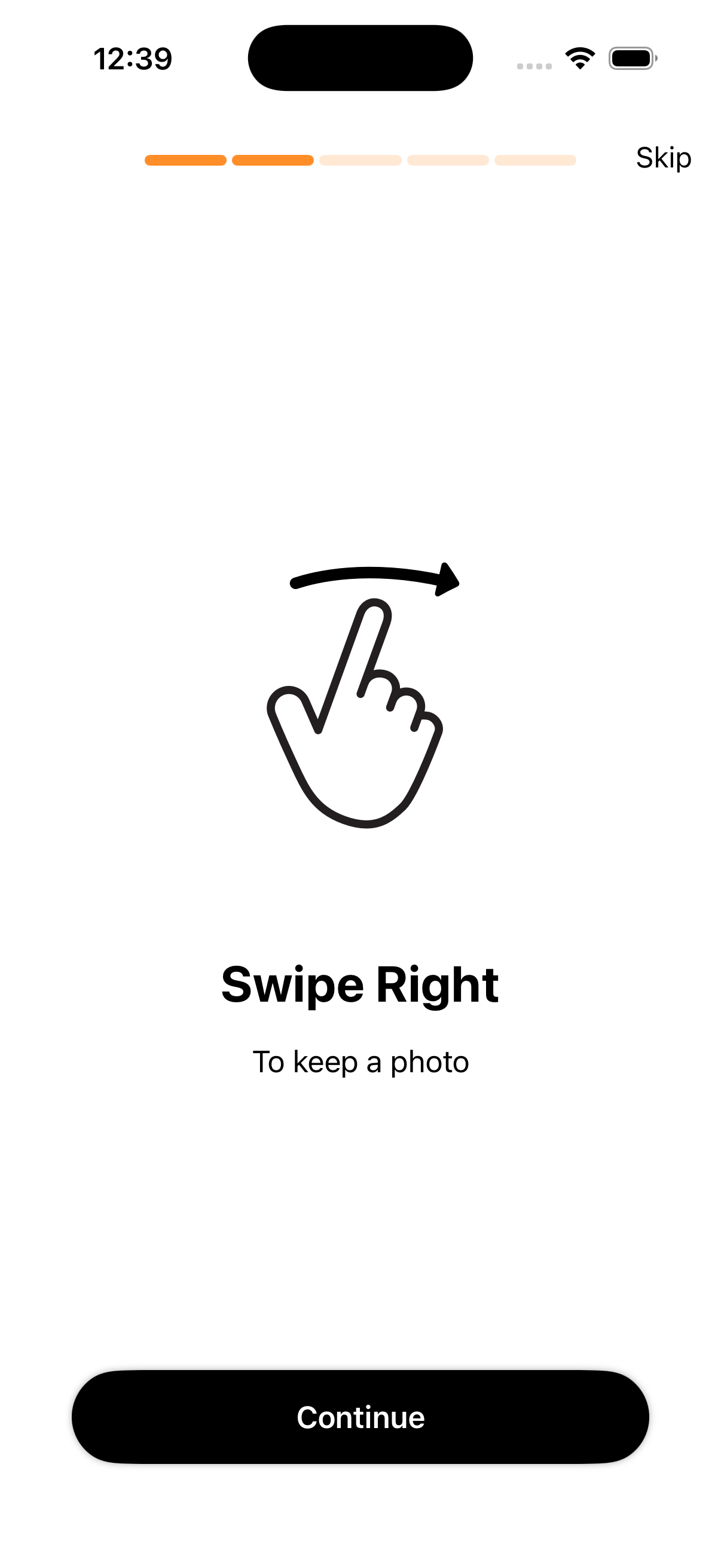
The signature swipe experience makes photo triage feel effortless. Left to delete, right to keep — muscle memory kicks in immediately.
Smart Media Groups
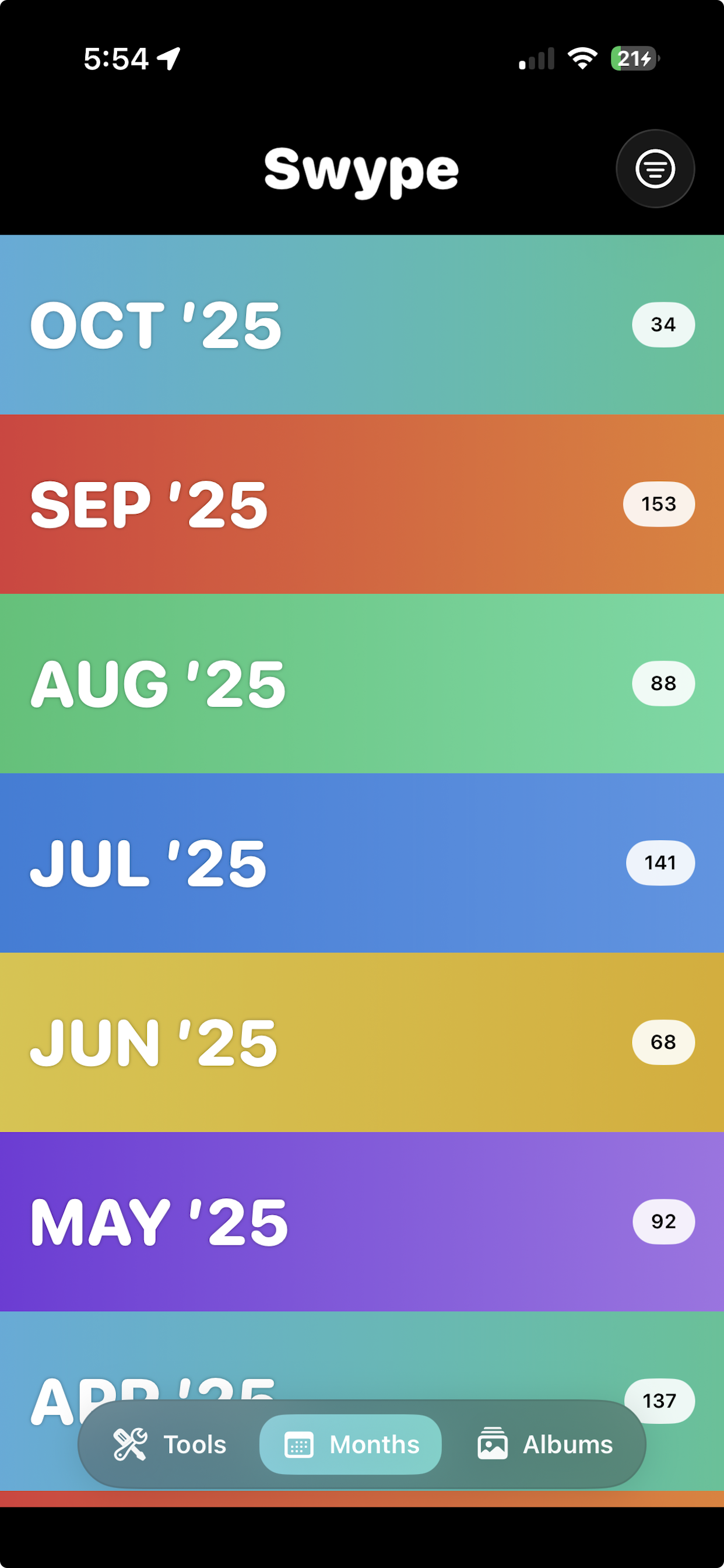
Swype automatically groups your photos by type: screenshots, burst photos, screen recordings, duplicates, and more. Tackle each group separately for maximum efficiency.
Live Storage Counter
Watch your freed storage grow in real-time as you swipe. The satisfying counter keeps you motivated throughout your cleanup session.
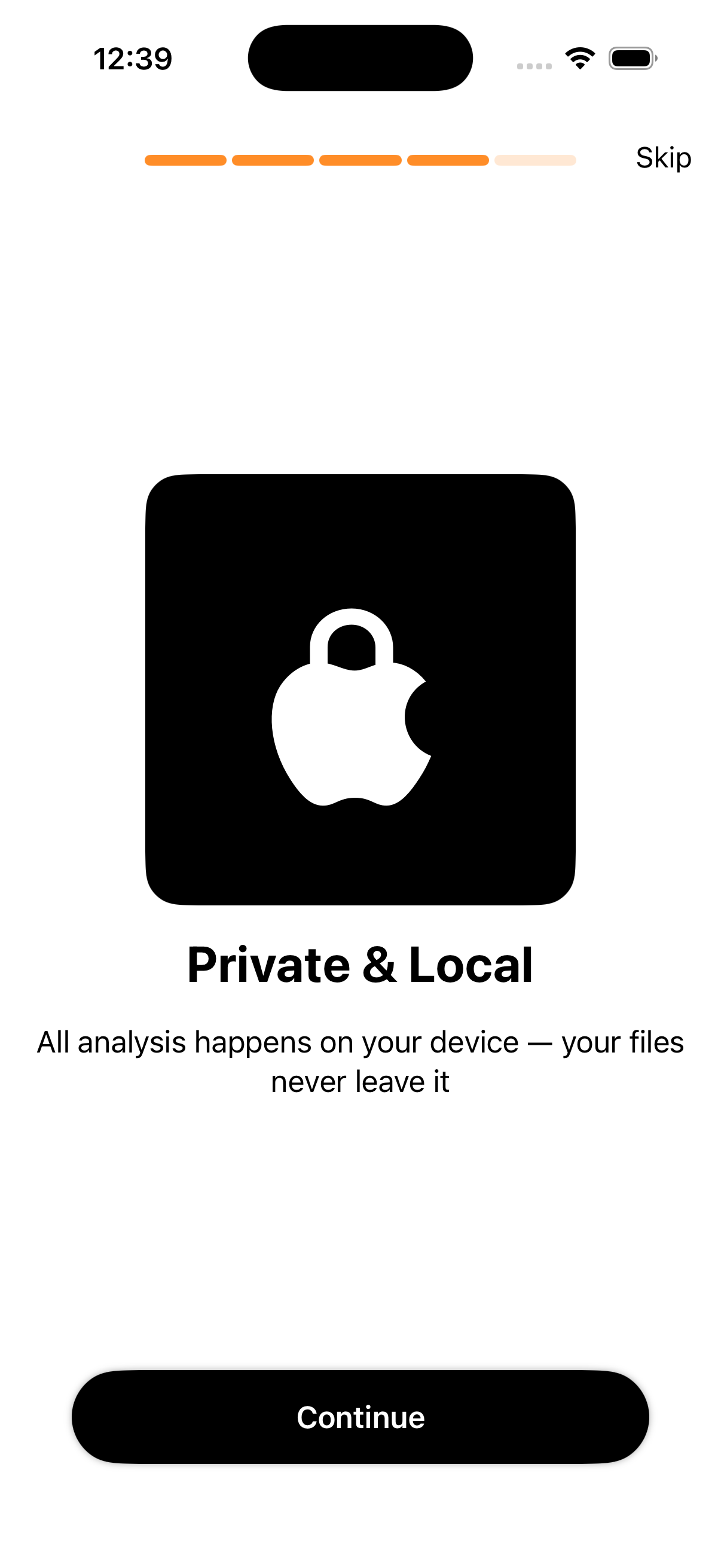
On-Device Privacy
Every bit of processing happens on your iPhone. Your photos never leave your device — no cloud uploads, no data collection, no privacy concerns.
Burst Photo Manager
iPhone burst mode creates dozens of near-identical shots. Swype helps you pick the winner from each burst and delete the rest instantly.
Screenshot Cleaner
Screenshots are the #1 cause of iPhone storage bloat. Swype lets you rip through your entire screenshots folder in seconds.
Safe Deletion
Deleted photos go to iOS "Recently Deleted" first — a 30-day safety net before permanent removal. You can always recover mistakes.
Native iOS Design
Built specifically for iPhone with beautiful haptic feedback, fluid animations, and support for all recent iPhone models including iPhone 16.
Screenshots
See how Swype Photo Cleaner makes your iPhone photo cleanup fast and intuitive.
App Details
| Platform | iOS (iPhone) |
| Minimum iOS version | iOS 16.0 |
| Price | Free (optional in-app upgrade) |
| Developer | DB Labs |
| App Store category | Utilities |
| App Store rating | ★★★★★ |
| Data collection | None (anonymous analytics only) |
| Photos uploaded | Never — 100% on-device |
| Account required | No |
| iCloud Photos support | Yes — syncs deletions |
Learn More
Get the most out of Swype Photo Cleaner with our guides and tutorials.
Frequently Asked Questions
How does Swype Photo Cleaner work?
Swype shows you your photos one at a time (or in smart groups). You swipe left to delete a photo or right to keep it. The app handles all the deletion through the standard iOS Photos framework, which means deleted photos go to "Recently Deleted" first before permanent removal.
Is Swype Photo Cleaner safe to use?
Yes, completely safe. All processing happens on-device using Apple's standard PhotoKit framework. We never upload your photos, we don't access your camera without permission, and deleted photos always go through the standard iOS safety net (Recently Deleted album).
How much storage can Swype free up?
Results vary by user, but many users report freeing 5–15+ GB from a single cleanup session. Screenshots alone can easily take up several gigabytes on most iPhones.
Does Swype work with iCloud Photo Library?
Yes. If you use iCloud Photos, deletions made through Swype will sync to iCloud, helping free up both device and cloud storage simultaneously.
Can I undo a deletion if I made a mistake?
Yes! All photos deleted through Swype go to the "Recently Deleted" album in your native Photos app first. You have 30 days to recover anything before it's permanently removed.
Does Swype Photo Cleaner find duplicate photos?
Yes, Swype includes smart grouping that helps you identify and delete near-duplicate and similar photos, especially useful for burst photos where you end up with dozens of nearly identical shots.
Download Swype Photo Cleaner Free
Available on the App Store. No account required. Your photos stay on your device.