 Swype Photo Cleaner
The Fastest iPhone
Camera Roll Cleaner
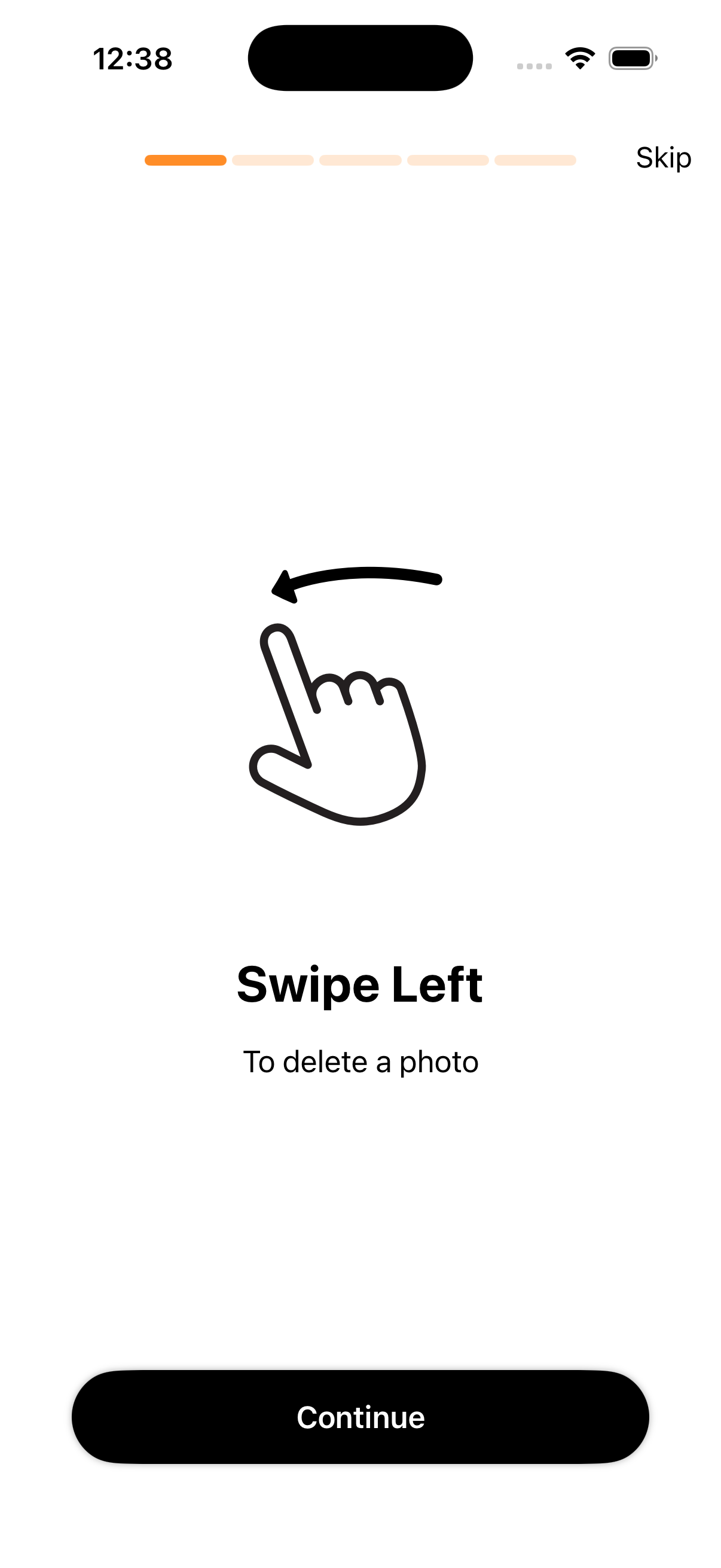
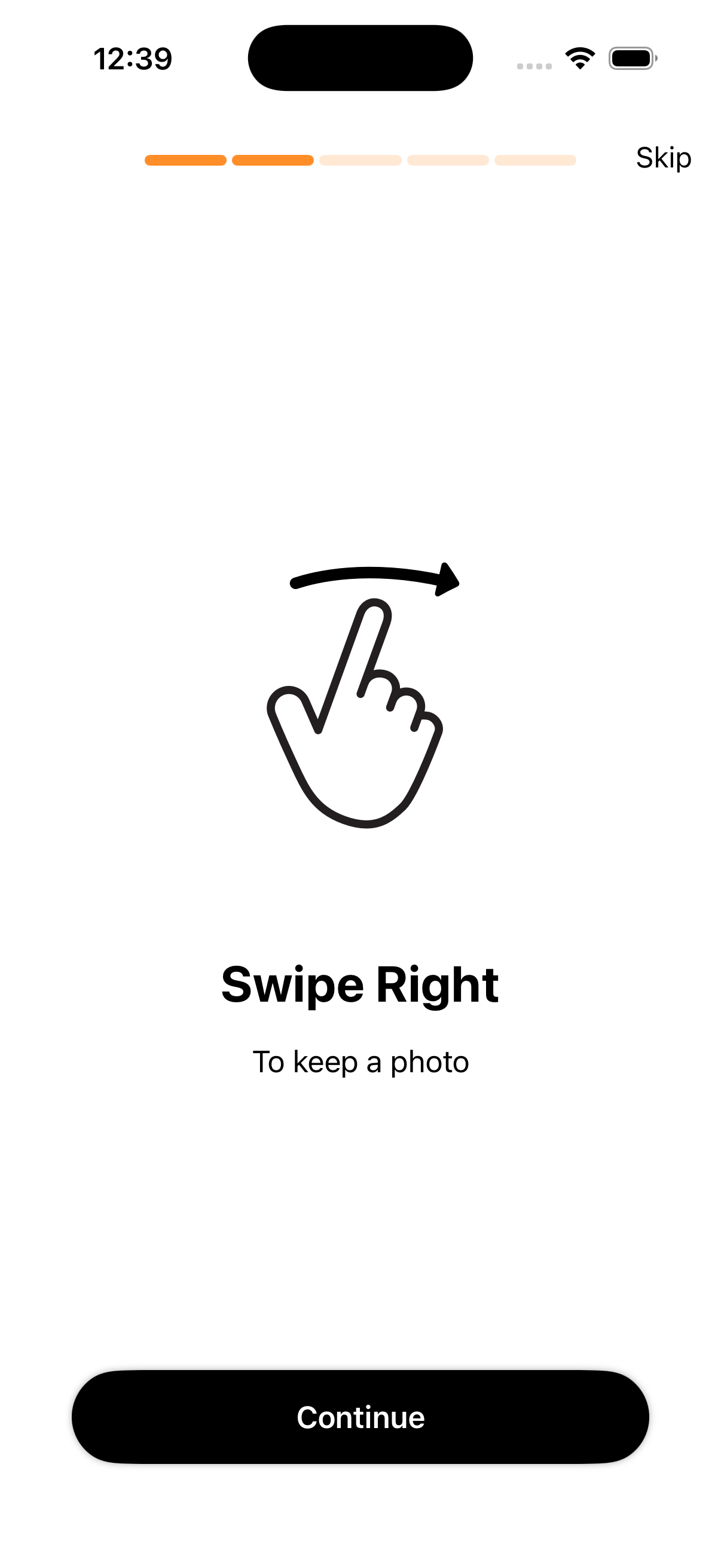
Swype Photo Cleaner makes it effortless to delete duplicates, blurry shots, and old screenshots. Swipe left to delete, right to keep. Reclaim gigabytes of storage—and actually enjoy it.
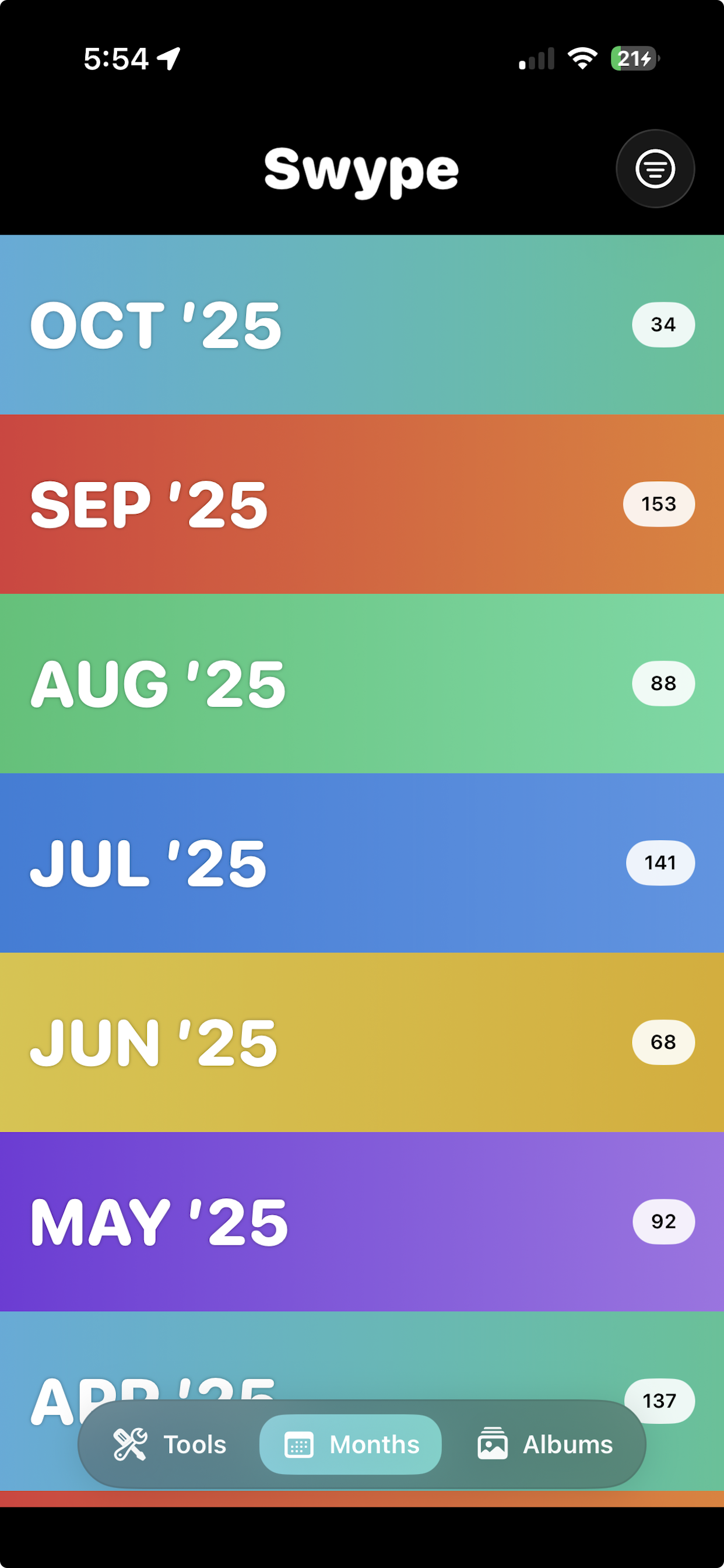
Everything you need to actually clean your camera roll
Swype Photo Cleaner is built for speed and simplicity. No confusing menus—just swipe and your library is clean.
⚡ Swipe to Decide
Left to delete, right to keep. The fastest way to sort thousands of photos without overthinking it.
🗂️ Smart Groups
Jump directly to screenshots, bursts, screen recordings, duplicates, and more. Tackle the clutter category by category.
💾 Storage Wins
See exactly how much space you've freed in real time. Watch your storage grow with every swipe session.
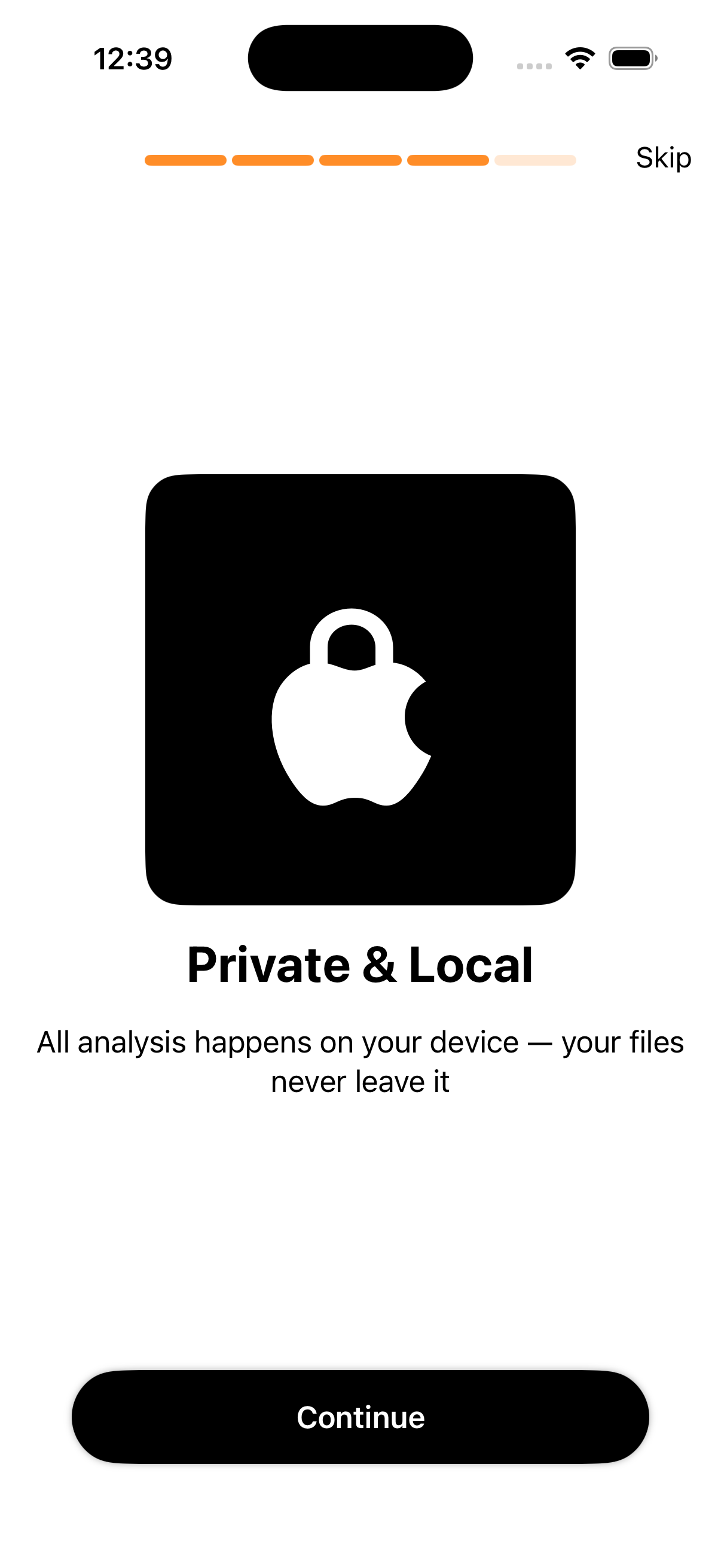
🔒 100% Private – Photos Stay On Your Device
We never upload, scan, or store your photos. All processing happens locally on your iPhone. Zero data leaves your device.
📱 Designed for iPhone
Beautiful haptic feedback, buttery-smooth animations, Dynamic Island support, and compatibility with all recent iPhone models.
🔁 Safe Deletion
Deleted photos land in "Recently Deleted" first—giving you a 30-day safety net before they're permanently gone.
📸 Screenshot Cleaner
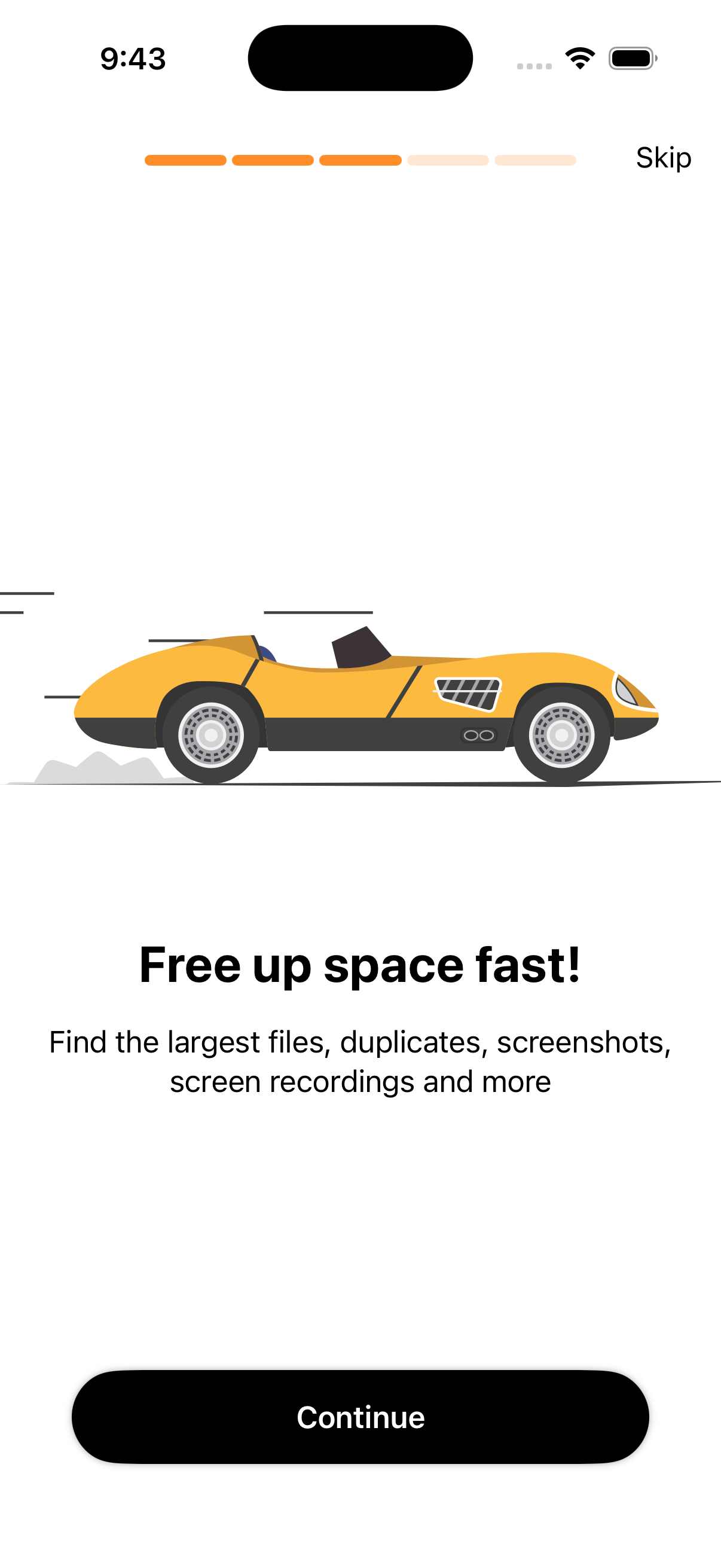
Your screenshots folder is probably a disaster. Swype makes it easy to blast through hundreds of old screenshots in minutes.
🔍 Burst Photo Manager
Burst photos eat storage fast. Swype helps you pick the best shot from each burst and delete the rest instantly.
Total storage freed by users
Photos reviewed across all users
Rated 5 stars — simple, fast, and delightful
See It in Action
Swype Photo Cleaner is designed to be intuitive from your very first swipe. Here's a look at the core experience.
iPhone users love Swype Photo Cleaner
Join thousands of users who've cleared gigabytes from their camera roll.
"Finally cleared 8 GB of screenshots I forgot I even had. This app makes it fun, not a chore."
"I had 12,000 photos and was stressed about going through them. Swype made it take about 20 minutes. Love it."
"So simple and privacy-focused. Nothing leaves your phone. That's exactly what I wanted."
Frequently Asked Questions
Does Swype Photo Cleaner permanently delete my photos?
No — deleted items first move to the Photos app's "Recently Deleted" album. You have 30 days to recover anything before it's permanently removed. We never skip this safety step.
Does Swype Photo Cleaner upload or access my photos online?
Absolutely not. All photo processing happens entirely on your iPhone. We don't collect, upload, view, or store your photos anywhere. Your camera roll is yours alone.
Is Swype Photo Cleaner free to download?
Yes — you can download and use the core swipe-to-clean experience completely free. An optional in-app upgrade unlocks pro features and helps support continued development.
Which iPhones does Swype Photo Cleaner support?
Swype Photo Cleaner runs on any iPhone running iOS 16 or later, including iPhone 16, 15, 14, 13, 12, and 11 series. It's optimized for the latest iOS version.
How is Swype Photo Cleaner different from the built-in Photos app?
The built-in Photos app doesn't have a quick swipe-to-decide interface or smart grouping by type (screenshots, bursts, videos, etc.). Swype is purpose-built for rapid mass cleanup — you can review and decide on hundreds of photos in just a few minutes, something the native app makes tedious.
Will using Swype Photo Cleaner affect my iCloud Photo Library?
If you use iCloud Photos, photos deleted through Swype will sync the deletion to iCloud — just as if you deleted them in the native Photos app. This helps free iCloud storage as well as device storage.
Can I use Swype to delete screenshots and videos too?
Yes! Swype Photo Cleaner includes dedicated smart groups for screenshots, video clips, burst photos, and more. You can target the specific types of media that are clogging your storage.
Swype Photo Cleaner — Quick Facts
Everything you need to know about Swype Photo Cleaner at a glance.
Platform
iPhone (iOS 16+)Price
Free to DownloadData Collected
None (on-device only)Account Required
NoDeveloper
DB LabsApp Store Rating
★★★★★ (5/5)iPhone Photo Management Tips
Expert guides and tutorials to help you master your iPhone camera roll and storage.
Best Photo Cleaner Apps for iPhone in 2026
We compare the top iPhone photo cleaner apps so you can find the right fit for your camera roll cleanup needs.
Read article → Storage TipsHow to Free Up iPhone Storage Fast (The Real Way)
Your iPhone is full and you need space now. Here's the fastest, most effective way to reclaim gigabytes in minutes.
Read article → How-ToHow to Delete Duplicate Photos on iPhone
Duplicate photos are silently eating your storage. Here's how to find and delete them fast on any iPhone.
Read article →Start cleaning your camera roll today
Free to download. No account required. Your photos never leave your device.